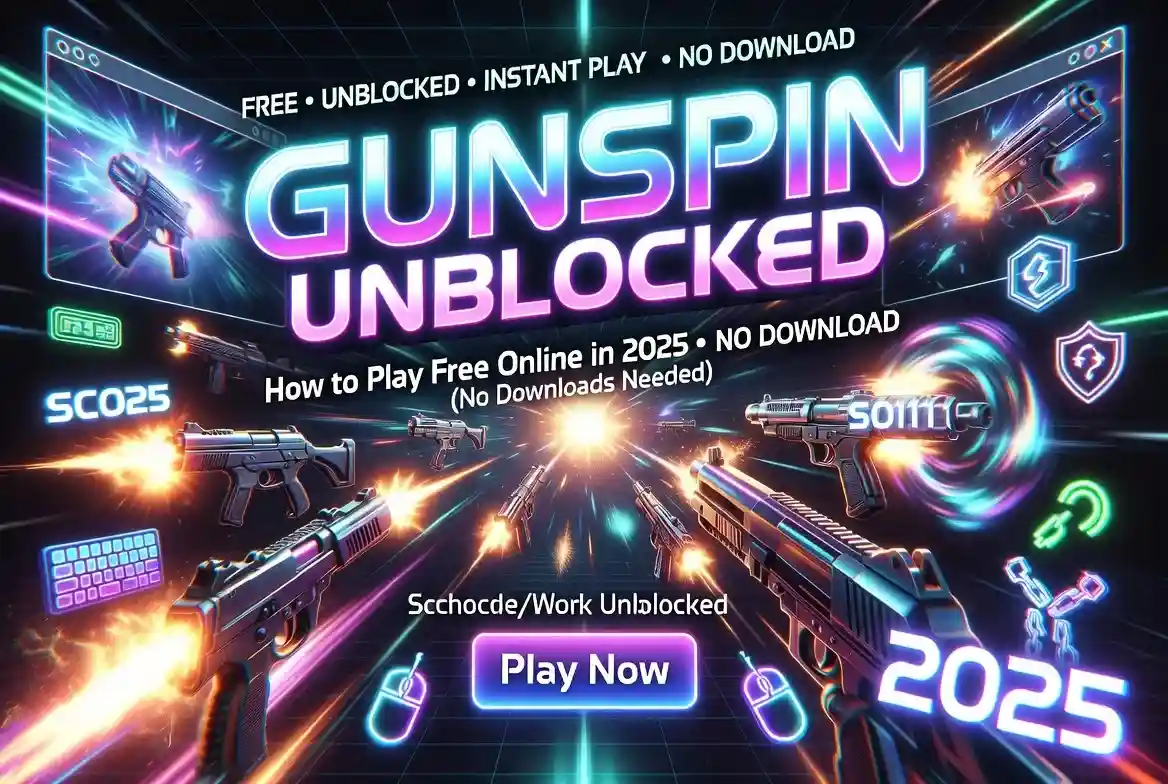
Gunspin Unblocked: How to Play Free Online in 2025 (No Downloads Needed)
If you’ve ever tried to pull up a browser game during lunch break only to get a blank error page, you already know the frustration. School and office networks are aggressive about blocking anything that looks fun. Gunspin is one of those games that gets caught in the filter constantly — even though it’s completely free and runs right in your browser.
The good news? There are several reliable ways to reach it without touching a VPN or installing anything. This guide walks you through every working method, explains what makes each one different, and gives you practical tips to actually get good at the game once you’re in.
What Exactly Is Gunspin?
Gunspin is a browser-based shooting game developed by BeedoGames and built on Unity’s WebGL engine. The premise sounds simple: you hold a spinning weapon, and you fire when the barrel lines up with the target. One clean shot. Rinse, repeat.
What makes it oddly hard to put down is the upgrade loop. Every hit earns coins. Coins unlock new guns — pistols, shotguns, machine guns, and some genuinely weird exotic weapons. Each weapon spins at a different speed, which forces you to recalibrate your timing constantly. Later stages throw moving targets into the mix, and suddenly that “simple” mechanic becomes a genuine challenge.
The original game lives on Poki, which most school and workplace filters catch immediately. That’s where unblocked mirrors come in.
Why Does Gunspin Get Blocked in the First Place?
Content filters don’t read game descriptions. They scan domain names and categorize entire websites. Poki, Miniclip, Coolmath (yes, even that one) — they all land on blocked lists because they’re tagged as gaming platforms at the network level.
An unblocked mirror gets around this by hosting the exact same Unity WebGL files on a domain the filter hasn’t flagged yet. GitHub Pages, Google Sites, and smaller portals with obscure domain names all slip through because they aren’t categorized as gaming hubs. The game is identical. Only the URL changes.
The Best Ways to Play Gunspin Unblocked
1. GitHub Pages — The Safest Option
Developers occasionally upload the game’s WebGL build to GitHub and publish it through GitHub Pages, creating a public link that ends in github.io. Because schools rarely block the entire GitHub ecosystem (it’s a developer tool), these links work on most networks.
The added bonus here is transparency. GitHub Pages are public repositories. Anyone can look at the files and confirm there’s nothing hidden in there beyond the original game code. If you’re cautious about what you load in a school browser, this is your most trustworthy choice.
To find a live one, search “Gunspin unblocked github io” on Google. Look for repositories that have recent commits and a clearly labeled demo link in the README. That’s your sign the mirror is active and maintained.
2. Unblocked Games 76 — Fastest Loading
Unblocked Games 76 has been around long enough to build a solid reputation among students. The site is lightweight, loads fast, and doesn’t bury the game under layers of pop-ups. Type “Gunspin unblocked 76″ into your address bar or use the portal’s own search box to jump straight to it.
It works especially well on Chromebooks, which matters given how many classrooms run on them. The game tile loads within a few seconds, and you’re playing almost immediately.
3. Unblocked Games 66 — Stays Ahead of Filters
Unblocked Games 66 takes a slightly different approach. Instead of sitting at one permanent domain, the site periodically rotates its URL to stay ahead of filter updates. If a previously bookmarked link suddenly stops loading, a quick search for “Gunspin unblocked 66″ will surface the new address.
The original game files are exactly the same. Controls work the same. The upgrade system carries over. You might see a few more ads here than on GitHub, but the “Play” button is always clearly marked — don’t click anything else.
4. Classroom 6x — School-Friendly by Design
Classroom 6x is clever. The site uses Google Sites as its host, and network filters frequently classify Google Sites as an educational platform. The result is a gaming portal that wears a convincing costume.
Search “Gunspin unblocked Classroom 6x” and you’ll land on a clean, stripped-down page with just the game window and minimal navigation. It loads well on tablets and Chromebooks, and because it lives on Google’s infrastructure, it rarely gets blocked even on tighter networks. If your school updates its block list and the specific URL gets caught, a fresh search will usually turn up the new location within a day or two.
5. Pizza Edition: Different Flavor, Same Mechanics
This one’s exactly what it sounds like. The Pizza Edition replaces every weapon, target, and background with food-themed graphics — you’re spinning a pizza cutter instead of a pistol and shooting at floating cheese wheels. The underlying mechanics are unchanged, but the aesthetic makes it a popular pick for lunch-break sessions.
Search “Gunspin unblocked pizza edition” to find it. Unblocked Games 67 is the portal most commonly associated with this version.
6. Unblocked Games WTF — Large Library, More Ads
Unblocked Games WTF has a memorably bold name and a massive game library. Gunspin loads through an embedded iframe, and performance is generally solid. The trade-off is a slightly heavier ad presence. Stick to the game window, close any pop-ups that appear, and you’re fine.
A Quick Comparison of Every Mirror
| Platform | Loading Speed | Ads | Works on Chromebook | Best For |
| GitHub Pages | Very fast | None | Yes | Safest, transparent |
| Unblocked Games 76 | Fast | Minimal | Yes | Quickest access |
| Unblocked Games 66 | Fast | Some | Yes | Filter-resistant |
| Classroom 6x | Medium | None | Excellent | School networks |
| Pizza Edition (via UG67) | Medium | Some | Yes | Fun theme |
| Unblocked Games WTF | Medium | Moderate | Yes | Big library |
If you’re on a school Chromebook and speed matters, start with Unblocked Games 76 or GitHub Pages. If those get blocked, fall back to Classroom 6x. Bookmark two or three options so you’re never caught without a working link.
How to Play: Core Mechanics Explained
The learning curve on Gunspin is short, but mastery takes a while. Here’s what you’re working with:
The spin cycle — Your weapon rotates continuously at a fixed speed. You don’t control the spin direction, only the moment you fire. Your entire job is timing.
Coin collection — Hitting a target drops coins. Bigger weapons deal more damage and earn coins faster, which is why upgrading matters.
Magazine limits — Early weapons hold very few rounds. You’ll need to reload between spin cycles, which adds a layer of resource management most players ignore until it costs them.
Moving targets — Later stages introduce targets that drift across the screen. This changes the timing calculation entirely. Instead of waiting for a static intersection, you’re predicting where the barrel and target will meet.
Combo multipliers — Consecutive hits without a miss build a score multiplier. The game actively rewards patience over button-mashing.
Tips That Actually Make a Difference
Watch the muzzle, not the barrel. Most players track the spinning barrel visually and mistime their shots as a result. Instead, focus on the spot where the muzzle flash appears. Fire when that point crosses the target.
Upgrade spin speed early. A faster spin means more firing windows per second, which means more coin opportunities per round. It feels counterintuitive (faster seems harder), but more chances outweigh the slightly tighter timing.
Reload during target transitions. When a stage briefly moves the target off-screen between waves, that’s your window. Don’t waste a perfectly timed alignment on an empty chamber.
Single taps, not holds. Holding the fire button almost always wastes ammo. A deliberate tap right at the crossover point gives you clean, accurate hits.
Mouse over touchscreen when possible. Touchscreens work fine, but a mouse gives you finer click control, especially once spin speed upgrades start making the timing more demanding.
Is Playing Gunspin Unblocked Safe and Legal?
From a technical standpoint, yes — the game is free to play, no download occurs, and the WebGL files run entirely in your browser. GitHub-hosted versions are the gold standard for safety: the code is public, auditable, and there’s no executable to install. Reputable portals like Unblocked Games 76 and Classroom 6x are widely used and well-reviewed among student communities.
Nevertheless, there are two things to be aware of. First, some mirror hosts may not have explicit permission from BeedoGames to redistribute the game files. It is important to note that the site operator, not the player, should be concerned about that.
Second — and this is the more practical concern — most schools and workplaces have acceptable use policies that prohibit gaming on their networks, regardless of whether the site is technically accessible. Bypassing a content filter, even through something as innocuous as a Google Site, may technically violate those policies. Play during genuinely free time, and know your institution’s rules.
Clarifying Some Confusing Search Terms
If you’ve searched for Gunspin and seen strange results, here’s a quick decoder:
- “Gunspin unblocked games g+” — This comes from old Google+ sharing links or mobile autocorrect. It doesn’t point to a special version. Any search with this term will land you on the same standard mirrors.
- “Gunspin unblocked 911” — Just a mirror that adopted an unusual domain name to avoid filters. If it loads without asking for permissions or downloads, it’s the same game.
- “Gunspin unblocked Unity” — People searching this are looking for the WebGL version (as opposed to a Flash version). All current mirrors use Unity WebGL. Flash is dead; no modern version of Gunspin requires it.
Frequently Asked Questions
Does Gunspin unblocked work on school Chromebooks? Yes. Classroom 6x and GitHub Pages both run on Chrome OS without plugins or special permissions. Open Chrome, visit a working mirror, and the game loads in the browser tab.
Do I need a VPN to play? No. The mirrors covered in this guide work without a VPN. Many schools prohibit VPN software anyway, so the mirror approach is both simpler and more appropriate.
Why did my bookmarked link stop working? Some portals rotate their domain periodically to stay ahead of filter updates. A fresh search for the portal name will usually surface the new address.
Is the upgrade progress saved between sessions? Progress is typically stored in browser cookies or local storage. Clearing your browser history or playing in incognito mode will reset it. Play in a regular tab if you want your upgrades to carry over.
Which mirror has the fewest ads? GitHub Pages and Classroom 6x are both ad-free. If those aren’t accessible on your network, Unblocked Games 76 runs with only minimal banner ads.
Final Thoughts
Gunspin is a tiny game with a mechanic loop that is quite enjoyable. The spinning-and-timing system stays interesting longer than most casual browser titles, and the upgrade progression gives you something to work toward across multiple sessions.
The mirrors in this guide cover every realistic scenario — fast networks, strict Chromebook policies, rotating filter lists. Bookmark a primary option and at least one backup, and you’ll have reliable access regardless of what your network’s block list looks like on any given day.
Master the timing, upgrade your spin speed first, and don’t hold the fire button. That’s genuinely most of what separates casual players from the ones topping the coin charts.